


ADA compliance for a law firm website is not a nice-to-have badge for your footer. It is how you keep prospective clients who use screen readers, captions, or keyboards from bouncing — and how you keep demand letters from landing on the managing partner's desk while you are still entering time. (Yes, the algorithm notices inaccessible sites too. It just does not send a courtesy copy to opposing counsel.)
The bottom line
Treat WCAG 2.1 or 2.2 Level AA as the technical floor. Fix intake forms, keyboard paths, contrast, media, and PDFs in the source code. Skip overlay widgets that promise one-click compliance. Rebuild if the site is five-plus years old and not mobile-responsive. Hire counsel first if a lawsuit is already filed — then hire builders who can remediate.
What ADA compliance means for a law firm website
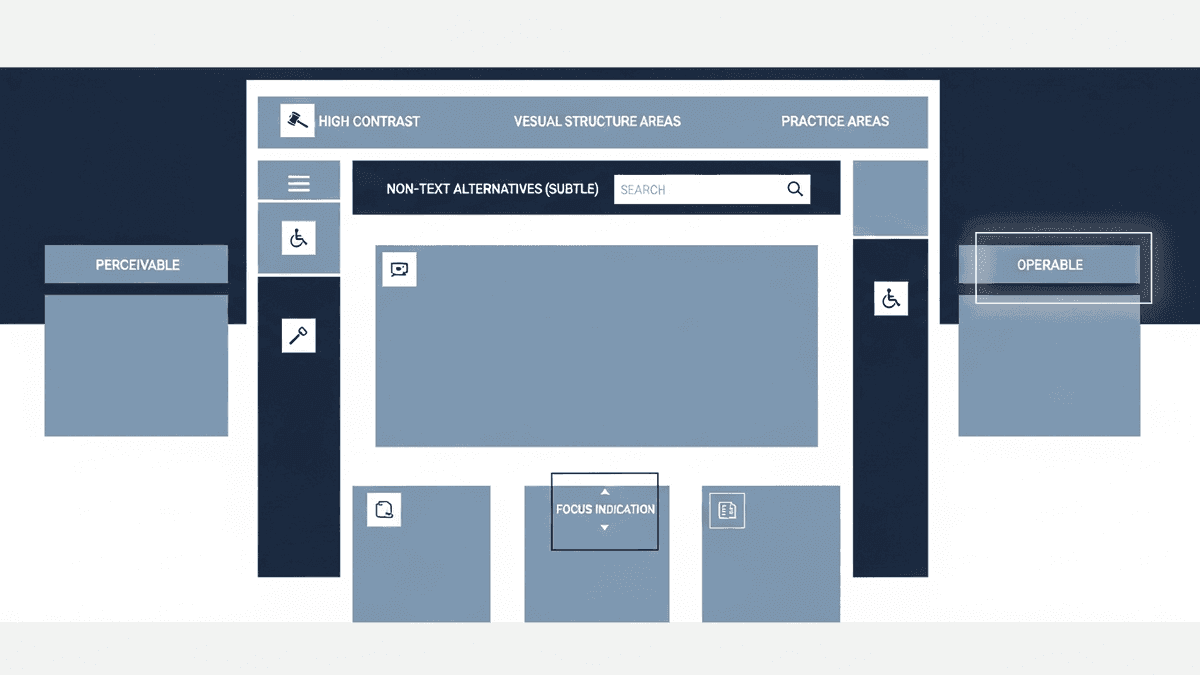
The Americans with Disabilities Act does not ship with a CSS stylesheet. That ambiguity is exactly why litigation thrives. In practice, courts and the Department of Justice web guidance point to the Web Content Accessibility Guidelines — WCAG — as the benchmark for digital access.
WCAG rests on four principles (POUR): content must be Perceivable, Operable, Understandable, and Robust. For a firm site that means alt text on practice-area photos, captions on intake videos, keyboard access through every menu, clear error messages on contact forms, and HTML that assistive tech can parse. Level AA is the target most settlement agreements and DOJ materials reference.
Title III covers businesses open to the public. Many U.S. courts treat a website as an extension of the physical office when it is a primary channel for information and intake. Title II's 2024 web rule for state and local governments sets WCAG 2.1 AA deadlines for public entities — private firms are not the regulated party there, but the federal signal is unmistakable. For how accessibility should be built into a custom stack from day one, see custom law firm websites.
Why law firms are prime targets for ADA website lawsuits

Plaintiff firms run automated scans. They look for missing alt attributes, unlabeled fields, and contrast failures. Then they send a demand letter. Industry trackers put annual ADA website filings in the thousands. Settlements commonly land between five and twenty thousand dollars before remediation and defense costs. That is a painful invoice for a problem a keyboard test would have caught.
Law firms are attractive targets for a simple reason: you hold yourselves out as public-facing professionals, your sites collect sensitive intake data, and the optics of an inaccessible legal website write themselves. Nine times out of ten, the firm that calls us after a demand letter had a chat widget, a PDF library, and a contact form that failed basic screen-reader checks — not a malicious design choice. Neglect still costs.
This is not legal advice on how to litigate a claim. It is operational advice on how to stop being an easy scan result. Pair accessibility work with the conversion basics in our high-converting law firm website checklist. A site that is both usable and accessible is harder to sue and easier to hire from.
WCAG is the standard. Overlays are not.

Here is the opinion we will not soften: accessibility overlay widgets that promise one-click ADA compliance are snake oil with a JavaScript tag. They do not rewrite your form labels. They do not caption last year's webinar. They do not fix a keyboard trap in your practice-area mega-menu. Plaintiffs' counsel know this. So do courts that have seen the same vendor script on thousands of defendants.
Real ADA website compliance lives in semantic HTML, ARIA used sparingly and correctly, tested keyboard flows, and content workflows that force alt text before a blog post publishes. The W3C WCAG overview is free. An overlay invoice is not. Spend the budget on remediation and training, not on a toolbar that rearranges contrast for users who already have their own assistive settings.
Template-churn agencies love overlays because they are cheap to install across fifty identical firm skins. Custom builds that bake WCAG into components cost more up front and cost less when the demand letter never arrives. For design quality that does not fight accessibility, read best law firm website design.
The practical audit: high-risk areas on your site
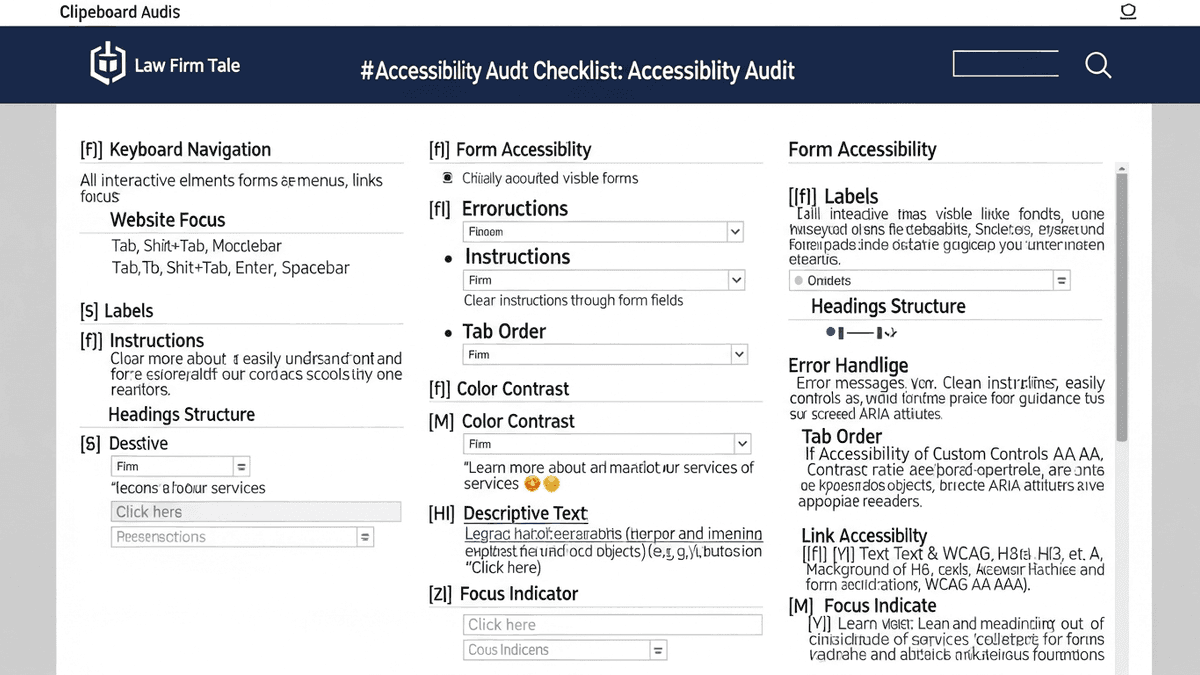
Start a digital discovery on the surfaces that create liability and lose clients. Unplug the mouse. Tab through the homepage, every practice-area page, and the intake form. If you get stuck in a chat bubble or skip the submit button entirely, so does a motor-impaired prospect.
- Intake forms: Every field needs a visible label, error text that screen readers announce, and encryption that protects privilege — not a generic contact widget collecting case facts in the clear.
- Images and icons: Meaningful images need alt text. Decorative flourishes need empty alt. Stock gavels without descriptions help nobody.
- Color contrast: Navy logos on navy heroes fail WCAG and fail tired eyes at 11 p.m. after document review.
- Media: Webinars and case explainers need captions. Audio-only content needs transcripts.
- PDFs and exhibits: Scanned practice guides without a text layer are inaccessible. Prefer HTML pages for public guidance.
- Heading structure: One H1. Logical H2/H3 order. Screen-reader users skim by headings the way you skim a deposition index.
Personal injury and other high-volume practices feel this first — mobile seekers with injuries, fatigue, or temporary impairments need the same clear path as permanent assistive-tech users. Our personal injury web development builds treat ADA alignment as a launch gate, not a post-lawsuit patch.
Beyond litigation: the business case for accessibility

Let's look at the math. A site that loads over three seconds drives a 40% bounce rate — four out of ten prospective clients leave your digital lobby before they see a phone number. Accessibility work often forces the same cleanups that improve Core Web Vitals: leaner scripts, clearer structure, fewer third-party widgets. You are not choosing between ethics and SEO. You are fixing the reception area.
Roughly one in four U.S. adults lives with a disability. That is not a niche audience. It includes aging clients with low vision, temporary injuries, and people who simply prefer captions on mute in a courthouse hallway. An inaccessible form does not just risk a letter — it silently routes retainers to the firm that bothered to label its fields.
Firms still running Bush-era themes cannot bolt WCAG onto obsolete code any more than you can pour premium fuel into a cracked engine. If the site is five or more years old and not flawlessly mobile-responsive, rebuild it. Pouring SEO budget into an inaccessible, slow template is billable hours set on fire.
When not to hire us yet

We once walked a boutique family law firm through a competitor's three- thousand-dollar monthly "comprehensive package." Under the hood it was five hundred dollars of ads and a shared template with an accessibility overlay slapped on for marketing copy. Separating ad spend, rebuilding the funnel, and fixing real code dropped their cost per acquisition by sixty percent. Overlays were not the hero of that story. Ownership and remediation were.
Do not hire a web team — us included — if you already have an active ADA website lawsuit or a demand letter with a deadline. Call defense counsel first. We remediate sites; we do not litigate Title III claims. Do not hire anyone for a full rebuild if your only problem is an unclaimed Google Business Profile and the site otherwise works. Fix the free postcard before you fund a custom project.
If your last agency still holds domain credentials hostage, resolve ownership before another vendor touches the stack. And if you want a prettier homepage with no intake, no practice-area architecture, and no willingness to train staff on alt text — you need a brochure designer, not an accessibility-minded build partner. Generic agencies never turn down that money. We will.
Straight answers

Does a law firm website need to be ADA compliant?
If your firm offers services to the public online, treat accessibility as mandatory risk management. U.S. courts and the Department of Justice treat many websites as extensions of places of public accommodation under Title III. WCAG 2.1 or 2.2 Level AA is the practical benchmark even when the statute itself does not list pixel-level rules.
What WCAG level should a law firm website meet?
Aim for WCAG 2.1 AA at minimum; 2.2 AA is the safer forward target. Level A alone leaves common barriers unfixed. AAA is rarely required for private firm sites and can conflict with brand constraints — AA is the standard DOJ and most settlement agreements reference.
Are accessibility overlays enough for ADA compliance?
No. Overlay widgets that claim one-click compliance do not fix broken form labels, missing captions, keyboard traps, or PDF exhibits. Courts and plaintiffs' firms increasingly treat overlays as evidence you knew accessibility mattered and chose a shortcut. Real remediation lives in the code and content.
Can a law firm get sued over its website?
Yes. Demand letters and lawsuits targeting inaccessible websites have climbed into the thousands per year across industries. Law firms are not immune — and the irony of a non-compliant legal website is not lost on plaintiff's counsel. Settlements often land in the five-to-twenty-thousand-dollar range before you count remediation and counsel fees.
How long does ADA website remediation take?
A focused audit and remediation on a modern custom site often runs two to six weeks depending on page count, PDF libraries, and intake complexity. Sites built on obsolete themes or stacked with third-party widgets take longer. Continuous content training matters after launch — accessibility is not a one-and-done patch.
Does the DOJ Title II web rule apply to private law firms?
The 2024 Title II rule sets WCAG 2.1 AA deadlines for state and local government web content and apps. Private law firms are generally Title III entities. The rule still matters as a clear federal signal that WCAG AA is the expected technical floor for public-facing digital services.
What are the most common accessibility failures on law firm sites?
Missing image alt text, low-contrast navy-on-navy branding, unlabeled intake fields, keyboard traps in mega-menus and chat widgets, uncaptioned video, and scanned PDF practice guides with no text layer. Intake forms are usually the highest-risk surface because they collect sensitive case details.
Should we publish an accessibility statement?
Yes, if it is honest. State the WCAG target, how to request accommodations, and a real contact path. A statement that claims full compliance while the contact form fails a screen reader is worse than silence — it becomes exhibit A.
Ready for a straight answer on your site's accessibility risk?
We build and remediate U.S. law firm websites to WCAG AA standards — custom code, no overlay theater, full asset ownership. Book a discovery call if you want a flat-fee scope, not a fear pitch.
See flat-fee pricing · Back to blog
Go finish entering your time. We will help keep the digital lobby open to every client who needs counsel.